Active Matter guides for your next raid.
Choose a raid mode, prepare your equipment, understand what death puts at risk, or compare platforms and hardware. Start with the answer below, then open the guide for the decision you need to make.

Find the answer you need
| Your task | Use this guide |
|---|---|
| Prepare for a first raid | Mode choice, equipment checks and objective markers |
| Understand what you bring back | Active matter, Credits and death-loss boundaries |
| Read a location or map marker | Launch environments and the raid-map legend |
| Play with friends on another platform | Crossplay, matchmaking pools and shared progress |
| Check your hardware | PC requirements and console performance modes |
| Avoid PvP and check raid limits | Isolated Raids, solo play and the old ticket-limit claim |
| Check Steam activity | Dated player count, chart meanings and platform coverage |
| Understand Cycle rewards | Merit earning conditions, access and reward claims |
| Move an eligible Gaijin copy to Steam | Eligibility, deadline and account-linking consequences |
| Find the official game access path | PC and console stores, price snapshot and install checks |
Before your first raid
For a run without hostile players, select PvE. Solo play is supported, but the developer describes it as harder than co-op. If you want Investigation progress, avoid Provided Equipment: update 0.4.0.93 excludes those raids from Investigation progress.
Use the equipment check panel above the Body Sleeve in Inventory to review ammunition, armor and medical supplies before deployment. Then check the raid’s objective list and its extraction requirements.
Follow the preparation steps →What can be lost on death?
Steam’s equipment notice identifies safe containers and personal equipment as exceptions to ordinary death losses. Do not treat every item outside a container as automatically lost, or every carried item as protected. Container activation and squad recovery are separate decisions.
Read the loss and recovery explanation →Sources Update 0.4.0.93: equipment checks and Provided Equipment · Steam: equipment notice.
Choose PvE, solo or cross-platform play
| You want to… | What to select or check |
|---|---|
| Avoid hostile players | Use dedicated PvE; some locations are mode-specific. |
| Play alone | Solo is supported; it does not remove monsters or make a raid risk-free. |
| Join friends on PC and consoles | Cross-platform multiplayer is supported. Console matchmaking can use your platform, consoles only, or all platforms. |
| Move your progress | Steam and Gaijin PC versions share progress. PC-to-console progress is not shared. |
Three launch environments; different raid objectives
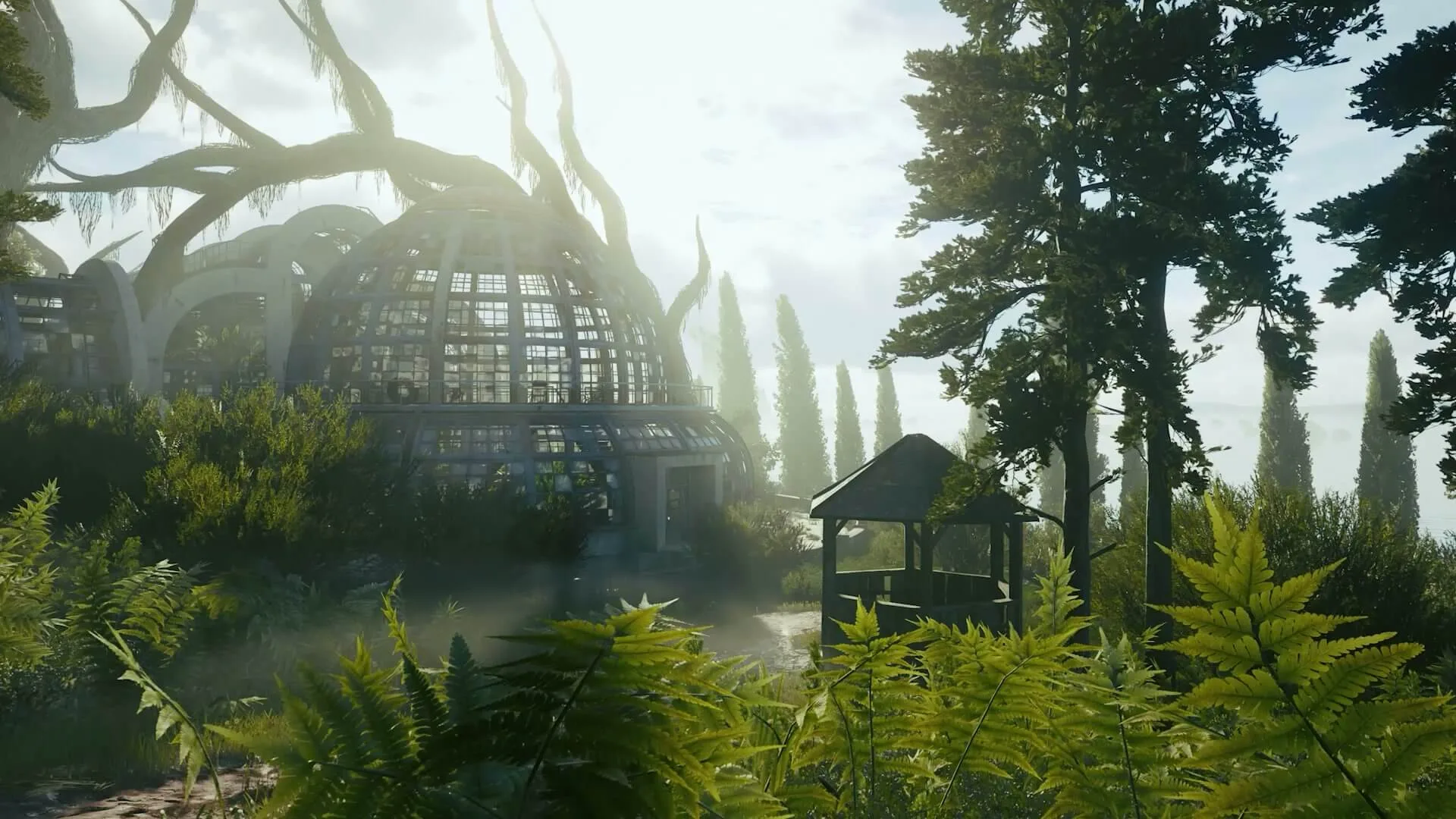
The launch FAQ describes Soviet island laboratories, a Central African quarantine zone and an abandoned U.S. coastal city. These are environment categories, not a list of three selectable raid maps. Locations can be specific to PvE, PvP or PvPvE.
Match objective icons, threat markers and location names →
Crossplay and hardware are separate checks
Active Matter is available on PC through Steam and Gaijin Store, PS5 and Xbox Series X|S. Linux, Steam Deck and PC controller support are listed in the FAQ. Support does not promise a particular frame rate.
The PC minimum lists 8 GB RAM, a GTX 1050 Ti / RX 470 / Arc A580 and 45 GB of available SSD space. Our configuration page separates official targets from measurements and flags a disagreement in the recommended Intel CPU label.
Verification notes
We combine official FAQs, specification charts and dated patch notes to explain player decisions. Patch-specific advice names its version. We have not independently benchmarked the game or verified a universal extraction route.
Read our editorial method or send a correction with the page URL and game version.
Quick answers
Is there a browser version?
No verified official browser-playable build appears in the sources used here. The documented access paths are PC clients and PS5 / Xbox Series X|S.
Do I need to fight other players?
No. The official FAQ lists dedicated PvE, including solo play.
Can I transfer PC progress to a console?
No. The FAQ limits shared PC progress to the Steam and Gaijin versions.
Has the official Active Matter roadmap been published?
Not as of September 22, 2026. The launch announcement says the development roadmap will be shared soon, so treat undated community lists as speculation until the official post appears.
Verification Official FAQ (external) ↗ · launch announcement and roadmap status (external) ↗.
An independent player companion
This site organizes preparation steps, resource rules and platform comparisons. It is not an official wiki or a game support service. About this site.
Website privacy
The site has no account system, comment system or payment form. The homepage and ordinary guide pages load the Google AdSense library with publisher ID ca-pub-8830315294299920; About, Contact, Privacy and 404 do not load it. This change adds no AdSense ad-slot markup, so it does not by itself mean ads are currently displayed. Cloudflare serves the site and adds a browser beacon for usage and performance measurement. See the privacy notice for technical requests and contact-email handling.
Corrections and image-rights requests
Send the affected URL and the sentence or image to our contact address. For gameplay corrections, include the platform, version and a supporting source.