
Active Matter extraction: resources, recovery and loss.
A raid brings you into an unstable zone to collect active matter, loot and complete objectives. You need to leave before the zone disappears. What you collect, what earns Credits and what survives a death are different questions.
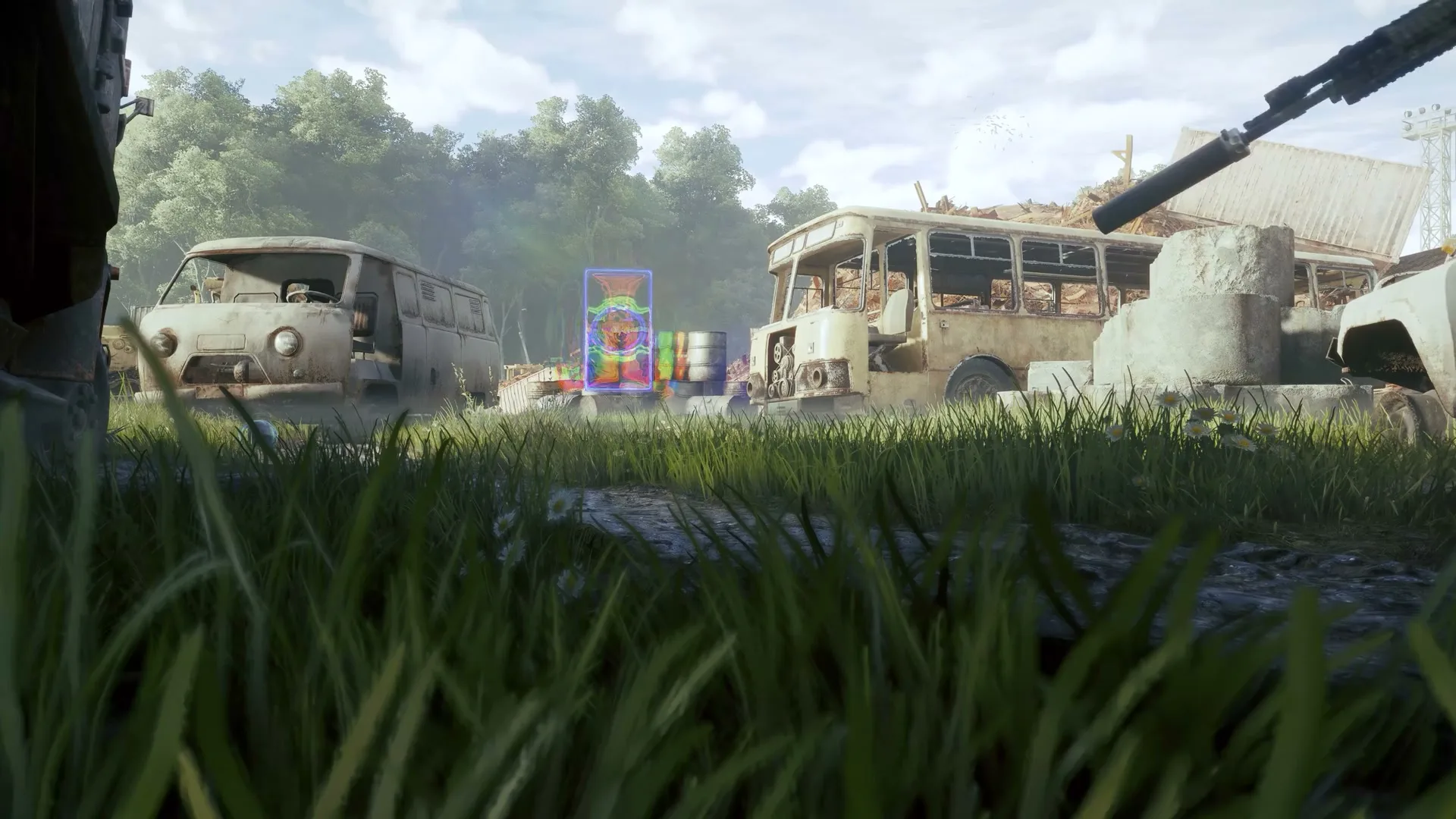
What are you bringing back?
| Resource or result | Officially described use | What this means for a raid |
|---|---|---|
| Active matter and looted items | Can be processed to earn Credits. | Carrying an item is not yet the same as having spendable Credits. |
| Credits | Buy weapons, ammunition and other equipment; also earned through contracts. | A contract and a bag of loot are different routes to the same spending currency. |
| Prime | Earned through daily contracts; can buy Credits, Monolith access levels and special items. Steam says it persists through Harmonization. | Do not treat ordinary active matter gathered in a zone as interchangeable with Prime. |
| Objectives | The raid UI distinguishes mandatory and extraction-required objectives. | Read the requirement shown for this raid before assuming an exit is available. |
Sources Steam: Credits, Prime and raid description (external) ↗ · 0.4.0.76: extraction-required objectives (external) ↗.
A safe container is not blanket insurance
Steam’s equipment notice identifies safe containers and personal equipment as exceptions to ordinary death losses. Do not treat every item outside a container as automatically lost, or every carried item as protected. Container activation and squad recovery are separate decisions.
The July 16 container announcement describes the choice to decline activation and rely on revival. A squad revive preserves your gear and container; a squad wipe after declining protection leaves both exposed. The August 27 update confirms that opting out of safe-container evacuation was implemented.
Practical consequence: putting loot in a safe container and activating its protection are separate decisions. Read the downed-state choice before confirming it. Declining protection is a recovery gamble, not a way to guarantee that your loot survives.
Sources Safe Containers and Beacons: recovery tradeoff (external) ↗ · 250 Shades of Liberty: safe-container opt-out (external) ↗ · Steam: personal-equipment and safe-container exceptions (external) ↗.
Respawn, revival and extraction have different purposes
| Event | Purpose | Do not assume |
|---|---|---|
| Squad revival | Return a downed operative to the ongoing fight. | That declining safe-container protection is risk-free. |
| Respawn beacon | Return an operative to the raid. | That it extracts or restores the original backpack automatically. |
| Extraction | Leave the unstable zone with the result of the run. | That a respawn is the same as securing your raid haul. |
The August update added Tactical beacons that return a player with random Agency rental gear. This is replacement equipment, not a promise to restore the original loadout. It also allows placed beacons to be picked up.
Empty temporary storage before the next raid
The August update places evacuated items from safe containers, Robot Dogs and rental equipment into a one-way temporary stash. That stash clears before the next raid starts. Move the items you want to keep into regular storage before deploying again.
Extracting an item also unlocks its fusion and replication recipes, but replication still requires blueprint charges and resources. Keeping a recipe does not mean you can replace a lost item for free.
250 Shades of Liberty: Storage and Item Crafting (external) ↗.
Use the raid’s requirements, not a universal timer
On the raid map, match your objective to its marker and read the extraction tips below the objective list. This tells you which task has an extraction requirement. The official store describes leaving before the zone ceases to exist.
Raid duration can differ by location and update: 0.4.0.73 changed Downtown from 30 to 45 minutes. That is a raid-duration change, not an extraction countdown for every location.
Prepare equipment and choose your first mode · Understand map icons and location names
Sources 0.4.0.76: extraction tips (external) ↗ · 0.4.0.73: Downtown duration (external) ↗.
If the final extraction point does not appear
Update 0.4.0.115 (September 17) fixes a specific bug: the anomalous zone could freeze during collapse, preventing the final extraction point from appearing. Check your installed build against that update before relying on an older report.
This fix is separate from a raid’s objective requirements. If the problem persists on the updated build, note the raid, platform, version and what the zone was doing, then report it to Gaijin support (external) ↗. These notes do not establish a guaranteed in-raid recovery method.
Do not reuse an earlier squad-revive price
Update 0.4.0.173 fixes the squadmate-revival cost display failing to refresh as the number of revivals changes. Check the price currently shown for that action before spending; an earlier screenshot is not a reliable quote for the next revival.
The patch does not provide a complete price schedule or settle every revival condition. We therefore do not publish fixed first/second-revive amounts here. This correction concerns the displayed cost, not extraction requirements or an unlimited revival allowance.