Active Matter Twitch Drops: Link, Watch and Claim Rewards
The September 25–October 2 campaign ends at 15:00 UTC on October 2, 2026. Watching earns eligibility; each unlocked reward still needs a Twitch Claim. Start with your game account, then check the watch counter and claimed status separately.
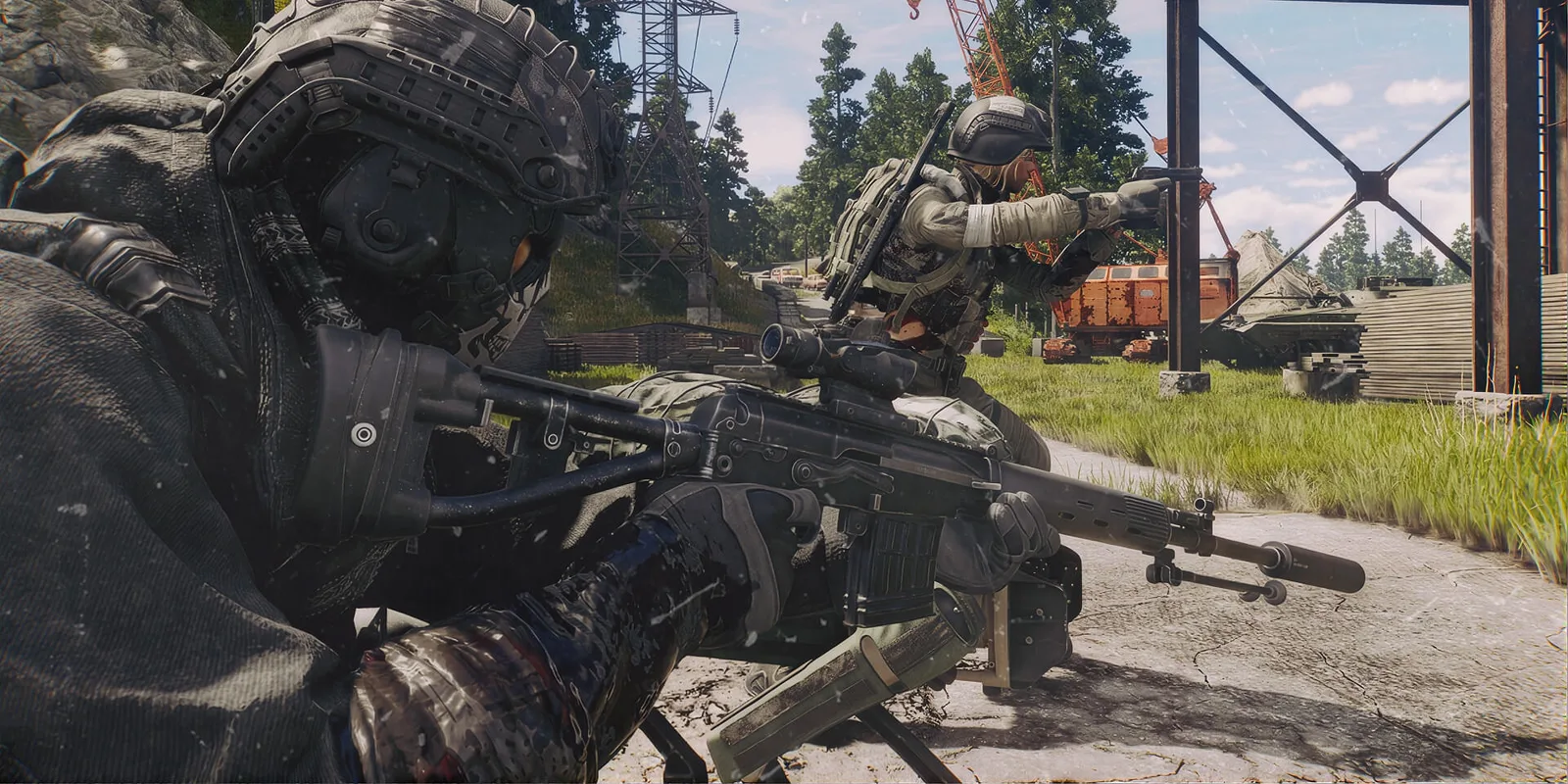
Claim Active Matter Twitch Drops in order
- Own the game. Owners on PC, PS5 and Xbox Series X|S are eligible. Steam owners must run the game once before linking.
- Use Gaijin’s Twitch linking page (external) ↗. Steam owners sign in through Steam and choose Active Matter if prompted; other owners use the Gaijin account they play with. Connect Twitch there.
- Watch an Active Matter stream (external) ↗ displaying the Drops notice.
- Open Twitch Drops Inventory (external) ↗ and claim each earned item before the deadline. Then check in-game storage.
Keep those stages separate when troubleshooting: owning the game, linking the account, earning watch progress and claiming a reward are different checks. A completed watch counter alone is not the final step.
Current campaign watch milestones
| Hours watched | Reward |
|---|---|
| 1 | Small Weapon Kit ×1 |
| 2 | Tactical Beacon ×3 |
| 3 | Equipment Kit ×1 |
| 4 | Pawtern gun camouflage ×10 |
| 5 | Medium Safe Container ×8 |
| 6 | Prime ×250 |
| 7 | Wave camouflage ×1 |
Dates, eligibility and reward milestones: September 25 official campaign announcement (external) ↗. This schedule covers that campaign only.
Find the missing stage before repeating setup
The game is not available during Steam linking
Check the first step: did you launch your Steam copy at least once? Keep the same intended game account throughout setup. Buying another copy is not a troubleshooting step.
The watch counter is not moving
Check the stream’s Drops notice and the campaign entry in Twitch Inventory. A game being shown on stream is not enough to establish that this particular reward is being tracked. Record which stream and campaign you checked if you need help.
The counter is complete but the item is missing
Check whether you pressed Claim for that specific reward, then inspect storage on the linked game account. If it is still missing, keep screenshots of the campaign, claimed reward and account-linking status for Gaijin support (external) ↗. Never include your password. The announcement gives no guaranteed delivery time; relinking repeatedly does not establish a fix.
These checks organize the published requirements. We have not linked an account or tested delivery. For rewards earned through gameplay instead, see Merits and Harmonization rewards.